Check prices on demand
Search or snap a photo while you shop for a raw or PSA graded market estimate. For a card you own, open it and queue a price refresh.
Pokémon TCG private beta
Snap a single card, a full binder page, or a PSA slab. Search English and Japanese Pokémon printings by hand, or dictate a list of cards to add.
Daily binder price checks and on-demand prices while you shop.
BinderChu automatically rechecks prices for matched cards in your binder. Set your schedule to daily or choose a longer interval in Settings.
Search or snap a photo while you shop for a raw or PSA graded market estimate. For a card you own, open it and queue a price refresh.
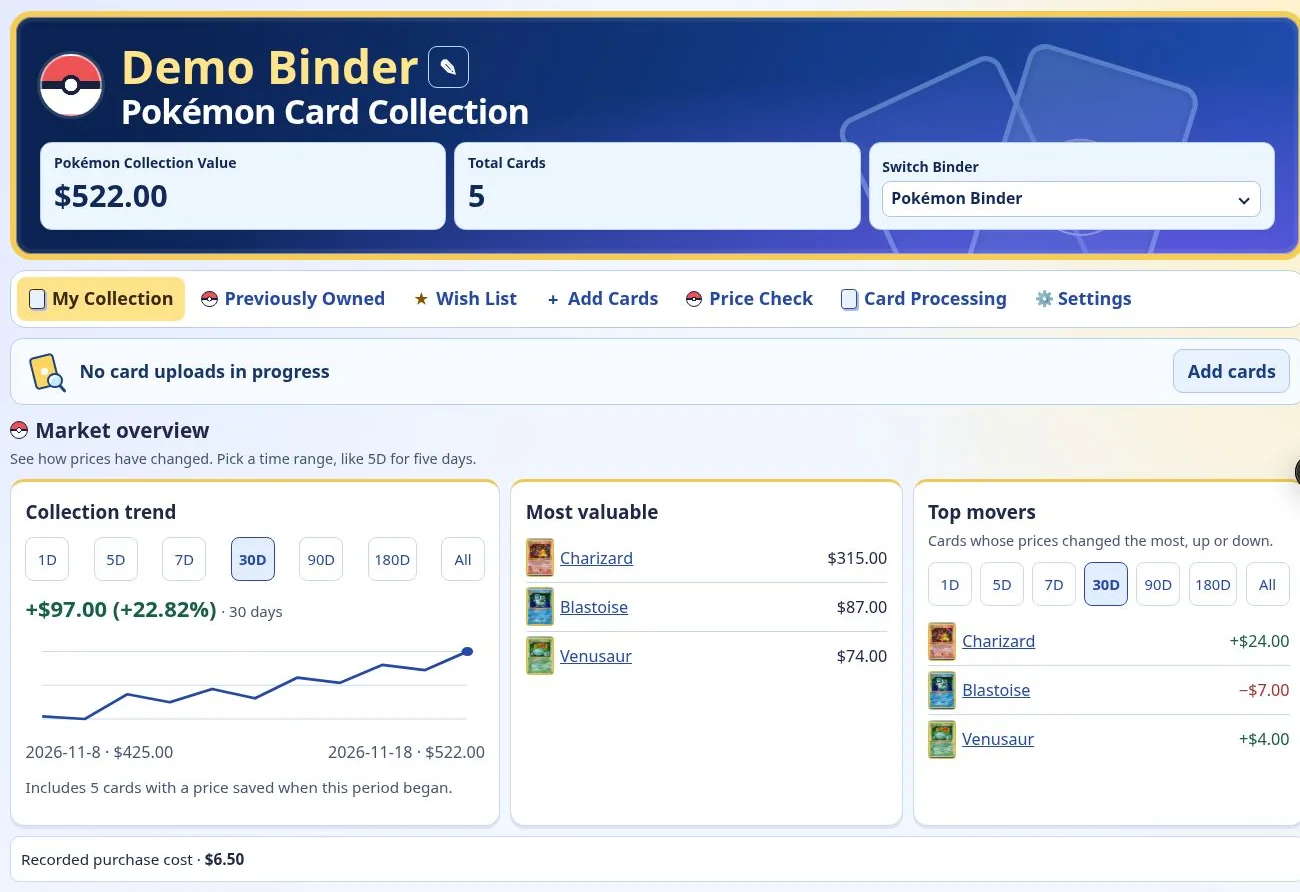
See your estimated total, your most valuable cards, and which prices rose or fell the most. Choose a time range to see what changed.
Record the price you paid and the card’s condition. Compare the current estimate with your recorded cost and view saved prices over time.
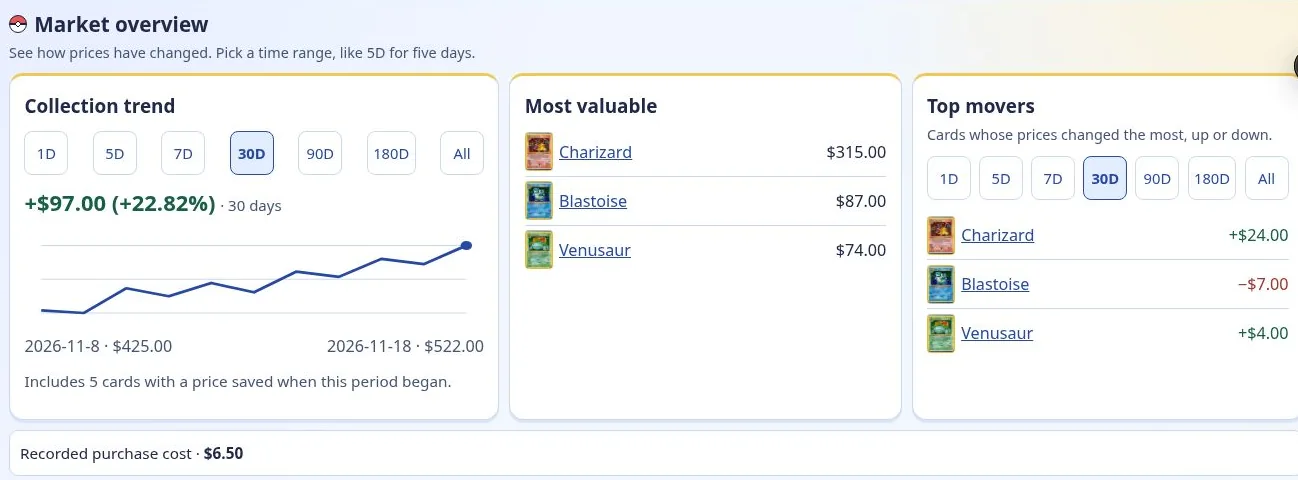
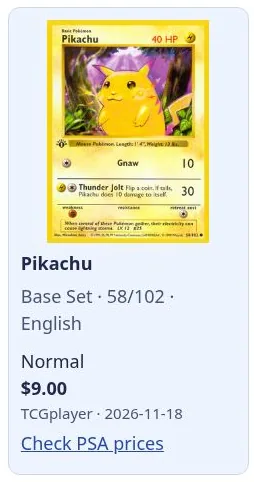
Price updates use available market data for the matching printing, finish, and grade. Your binder shows the last saved estimate while a refresh is pending.
Screens from a demo binder with sample cards and prices.
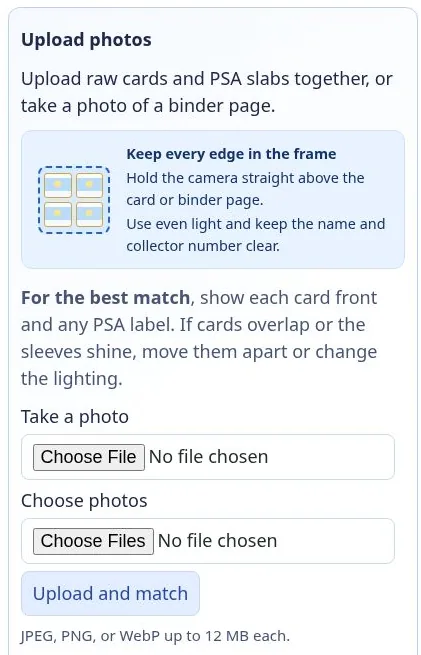
Open Add Cards and upload a photo of a card, binder page, or PSA slab. You can also search or describe the cards you want to add.
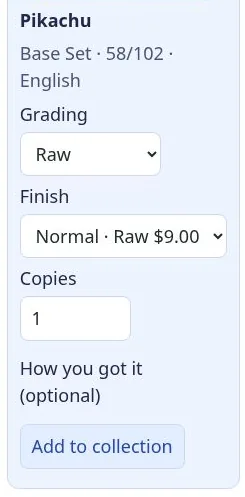
Check the set, collector number, and finish. Confirm the quantity and PSA grade when they apply, then save the card.
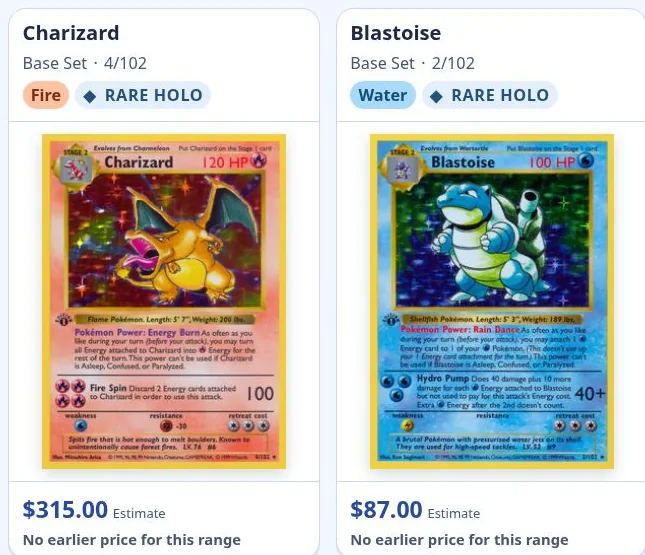
Search your collection or sort by price. Open any card to see its details and market estimate when available.
Find the exact printing, check what it’s worth, and keep your collection in one place.
Photograph one card or upload several photos. Check the suggested match against the card in your hand.
Find multiple cards in one photo. Review uncertain matches and skip individual cards when you need to.
Read the grade and cert number from the label when visible. Edit the cert later and get a graded price when matching sales are available.
Look up a card manually by name, set, or collector number and choose the right printing and finish.
Say the cards you want to add using your device’s keyboard mic, or type or paste a list. Review the printing, finish, grade, and quantity before saving.
Recheck binder prices daily or on your schedule. Open Price Check to look up a card without adding it.
See your most valuable cards and top movers. Filter by card type or sort by price and price movement.
Track missing cards, build a wish list, revisit previously owned cards, and export your binder to CSV.
At public launch
Connect your BinderChu account to ChatGPT. Upload a card photo or describe a card in chat, check prices, and ask what’s in your binder. Confirm a match in chat to add it.
Record the details for each physical copy and keep a record of cards that leave your binder.
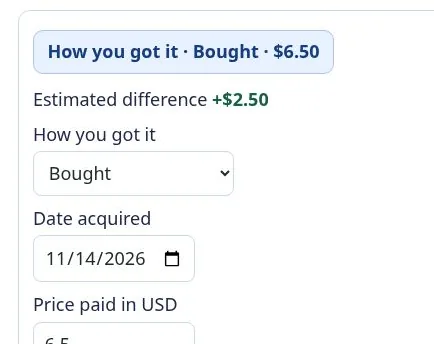
Save the price paid, condition, and acquisition date. Record whether you bought it, pulled it from a pack, traded for it, or received it as a gift. Add a note or track the cards and cash involved in a trade.
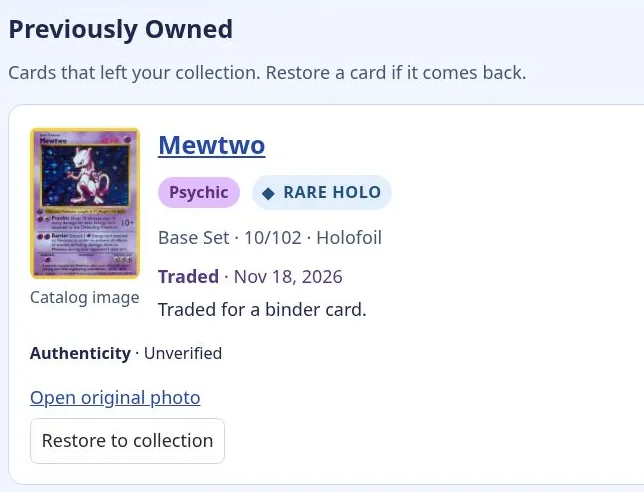
Move cards you sell, trade, gift, or lose to Previously Owned. Save the reason and an optional note. The card leaves your active binder and collection total while the record stays available. You can restore it if it returns to your collection.
Family profiles · Planned
A parent can use one BinderChu account and one email to create a separate collector profile for each child. Switch profiles to see each person’s own binder, wish list, and collection value.
Compare the planned launch tiers. Public sign-ups and subscriptions open after the private beta.
| Features | Free $0 / month | Plus $4 / month |
|---|---|---|
| English and Japanese Pokémon binder | Included | Included |
| Single-card and PSA slab scans, cert storage, and manual search | Included | Included |
| Daily binder price rechecks, manual refresh, and estimated binder value | Included | Included |
| Raw price checks on demand, wish list, and set checklists | Included | Included |
| Binder-page scans and typed card lists | — | Included |
| Voice dictation for adding cards | — | Included |
| PSA graded price checks | — | Included |
| Price history, top movers, and CSV export | — | Included |
| Price paid, acquisition details, and previously owned cards | — | Included |
| ChatGPT integration At public launch | — | Included |
Already in the beta? Open your private binder
The Pokémon binder is in private beta. We’re planning dedicated binders for the other games in the PokéWallet catalog.
English and Japanese cards, raw and PSA graded.
Set automatic price rechecks to daily or choose a longer interval in Settings. You can also queue an individual price refresh from a saved card, or use Price Check to look up a card while you shop.
Yes. The cert number is optional. Graded estimates are based on the matching card, finish, grade, and sales data. You can add or correct the number later.
Voice dictation is part of the planned Plus tier. In Add Cards, tap the description field and use your device’s keyboard microphone. BinderChu finds matches from the text you submit. You choose what gets saved.
Family profiles are planned. Each collector will have their own binder and wish list under the same sign-in email.
BinderChu is in private beta. Public accounts and paid subscriptions will open at launch.